Settings
The Settings page lets you configure how RemotiveStudio looks and behaves. Open it by clicking the gear icon at the bottom of the left sidebar.
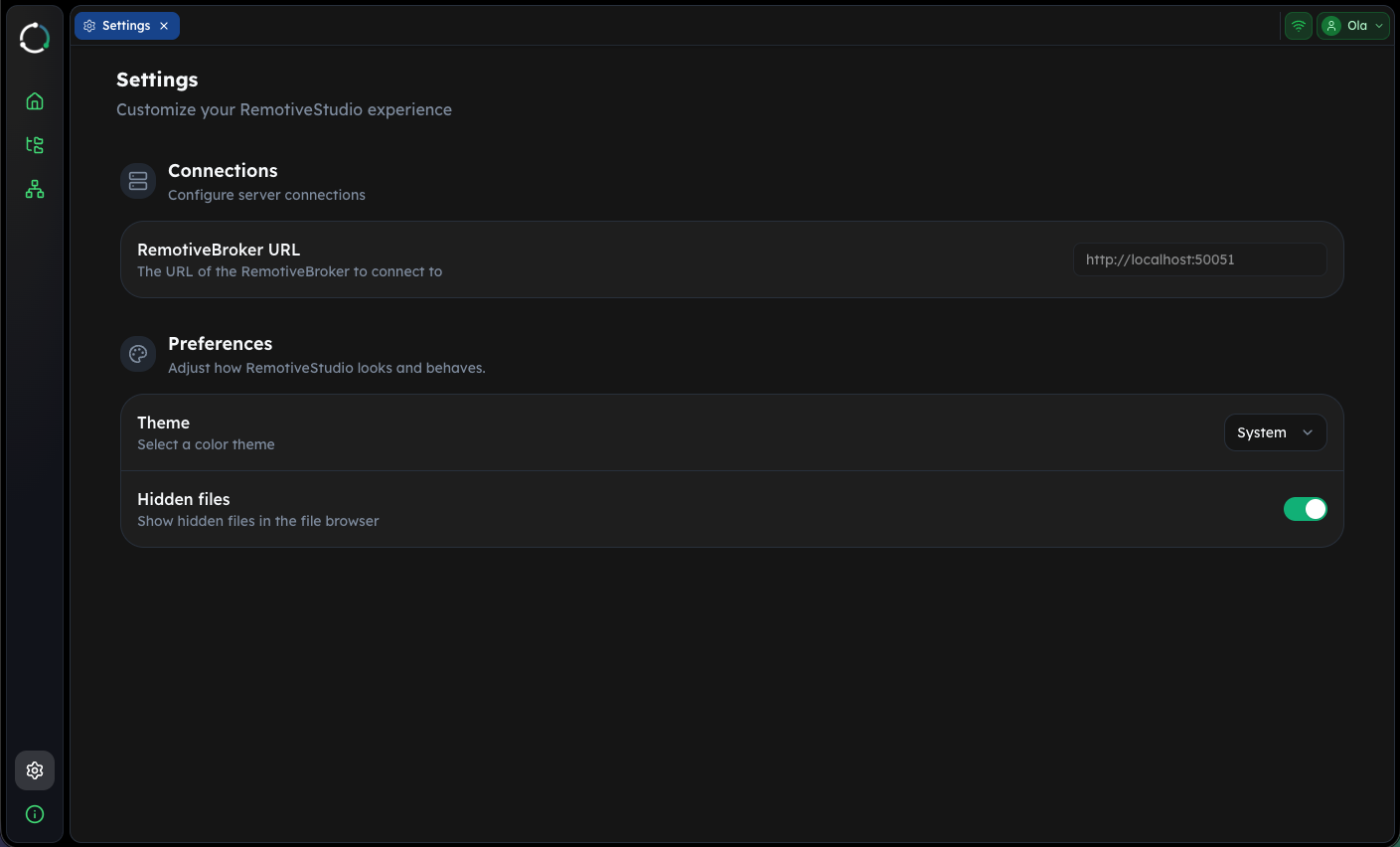
Connections
RemotiveBroker URL
Displays the URL of the RemotiveBroker that RemotiveStudio is connected to. This is configured automatically when you start RemotiveStudio with the remotive studio command.
The broker connection is required for:
- Live signal data in Dashboard panels
- Interacting with running topology instances
Preferences
Theme
Choose a color theme for the RemotiveStudio interface:
- System - follows your operating system's light/dark mode setting
- Light - always use the light theme
- Dark - always use the dark theme
Hidden files
Toggle whether hidden files (files starting with .) are shown in the file browser sidebar. This is useful for accessing configuration files like .remotive/ without cluttering the file tree.